A Business Headshot Is Not Automatically a Canadian Passport Photo
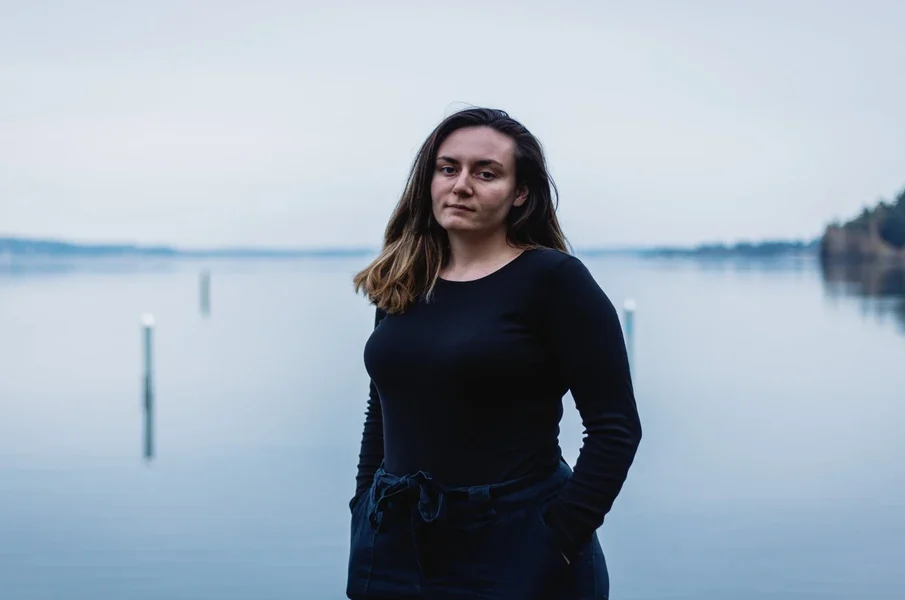
A professionally made business portrait is not automatically suitable for a Canadian passport application. Passport photographs have requirements tied to the application route, while a headshot is made for a professional introduction. Check the current Passport Program instructions and request the correct photographic assignment explicitly. Trying to retrofit a favourite retouched portrait can leave you with a polished image that does not answer the actual application requirement.
The application route determines the photograph you must supply
A traveller preparing documents may start by searching the company image folder. There is already a recent portrait, the face is clear and the file came from a professional photographer. Reusing it seems efficient. Before asking an assistant to resize that image, establish which passport application you are making and read the photo instructions attached to it.
The Canadian Passport Program’s current photo requirements distinguish online renewals from applications submitted in person or by mail. Online renewal uses a digital passport photograph; the in-person and mail routes have printed-photo requirements. Do not assume that any digital portrait is therefore an online-renewal photo, or that printing it at home makes it suitable for a paper application.
The official instructions also cover matters such as in-person capture by a commercial photographer, recency, expression and image quality. These are requirements to follow for the actual application, not options to select according to which portrait looks most flattering. Consult the complete current instructions rather than relying on a remembered size or an example from someone else’s earlier application.
Keep Canadian passport instructions distinct from another document’s photo request. A foreign visa, another country’s passport or an employer’s identification card may involve a different authority and different requirements. If the trip involves several documents, label each photo task by the application it serves. The fact that they all show your face does not turn them into one interchangeable order.
A corporate portrait was made for a different decision
A business headshot can legitimately involve choices about expression, background, framing and finishing. The purpose is to introduce a professional in the setting where the image will appear. A photograph selected for a biography can be successful at that job even when it is unsuitable for an identity application. There is no need to treat the difference as a defect in the original work.
Suppose an employer arranged a portrait appointment using the professional headshot service information from Indigo Visual. The employee approved a particular expression and retouching treatment for the company profile. When a passport task arises later, that business commission still has its original purpose. The completed profile portrait should not be sent onward as a passport image simply because its selection has already been settled.
Changing the crop addresses only the visible boundaries of a file. It does not establish that the original photograph was captured and finished according to the application instructions. Nor does removing a decorative background answer every other requirement. Avoid giving a designer the broad task of making the image “passport-like” and assuming the resulting appearance settles official acceptance.
Be clear about what you do not know about the copy in the company folder. It may be a finished portrait prepared for publication, with earlier versions elsewhere. Asking colleagues to find a less edited file can become a lengthy search without resolving the passport assignment. Start with the official requirement and a photographer who confirms they can supply that work, rather than constructing a workaround around whatever happens to be available.
Ask for the passport assignment explicitly
When contacting a photographer, say that you need a Canadian passport photograph and identify the application route. Ask them to confirm that they provide the required service. The phrase “professional photo” is too broad: it could describe a business portrait, an event image or an editorial session. A provider needs the actual purpose before you can rely on the proposed appointment.
If you already have a business portrait booking, raise the passport request as a separate question. The provider may or may not offer it, and the existing appointment should not be assumed to include it. Confirm any additional arrangement directly. This avoids arriving for one kind of work while expecting the photographer to deliver another photographic product without preparation.
Explain whether you need the printed or digital form required by your route, and check the current official instructions with the provider. Keep any supplied photographer information or application-specific documentation with the intended passport photographs. Do not scatter those details between an office chat, a travel folder and the corporate portrait gallery where a later helper may struggle to identify them.
Resolve uncertainties through the Passport Program’s current information and the appropriate application channel. A colleague’s successful use of an image in a previous year is not approval of your present submission. If the provider or application guidance identifies a problem, address that problem directly rather than repeatedly exporting the same business portrait under different filenames.
Match the photograph packet to the submission route
For an ordinary Canadian passport application submitted in person or by mail, the current official instructions require two identical, unaltered photographs. They must be professionally printed on the specified photographic paper; a home print is not accepted. Follow the complete requirements for the prints and any photographer or guarantor information needed for your application, rather than enclosing a single office print of the company portrait.
For an online renewal, the digital photo must be taken in person by a commercial photographer and must not be a scan of a printed passport photograph. Ask for the actual digital deliverable for that route. A colleague offering to scan your new passport prints is proposing a different file from the commercial digital capture the instructions call for.
If an assistant is helping, identify the chosen submission route before handing over the materials. For the paper route, check the required pair of prints and associated information together. For the online route, locate the supplied digital file and compare it with the current upload requirements. Keep an unresolved photographer-information or file-format question visible until it has been answered.
Complete the final check as an application task: the correct form of photograph is present, the relevant information accompanies it and any required signing or handling step follows the official instructions. The packet going to the counter, mail or online submission should be the one prepared for that route. A last-minute office print or scan should not replace it merely because it is easier to reach.





-
Why Connectivity Plays an Important Role in Choosing the Right Home
Choosing the right home is about more than finding a beautiful apartment ... -
-
-
-